The toolbox

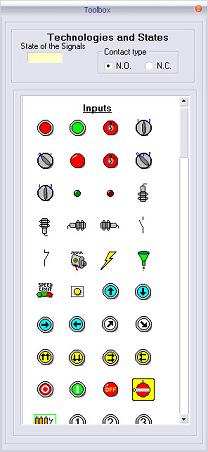
Boite_outils.jpg


The toolbox is accessible from the menu "Virtual Mechanism - Toolbox" or from the toolbar by pressing on boiteoutil_ico.jpg.

Tools are available for the assembly of the operative part.


To drop these items on the work area, simply “Drag and Drop” them while keeping the shift key pressed.
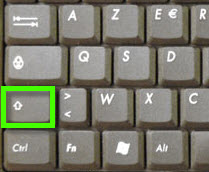
 

clavier_SHIFT.jpg  


A dialog box appears according to the dropped item.


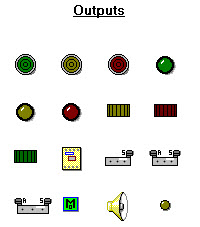
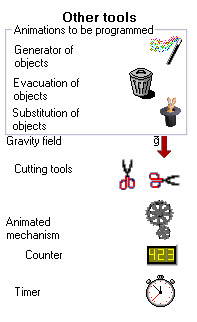
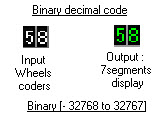
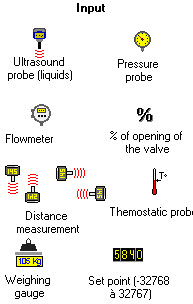
Partial view of the toolbox.   


1.  Digital
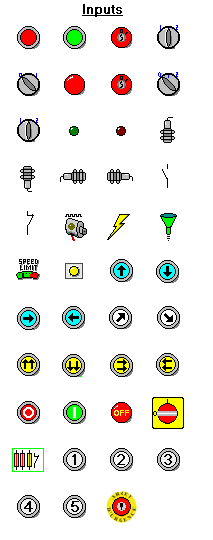
Entrees_TOR.bmp                            


2. Other tools


3. Analog


Autres_outils.jpg

Boite_outils_BCD.jpg

Entrees_analogiques.jpg

image117.gif

+ Souris.jpg