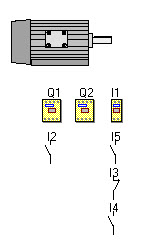
Use the auxiliary contacts for : the return information, checks, interlocking, safety measures ...
The menu "Virtual mechanism – Toolbox" allows to choose contacts which should be placed on the relay of command.
A window of dialogue opens, simply validate it so that :
this contact associated with the relay settles below and
this one is actuated with a functional delay.
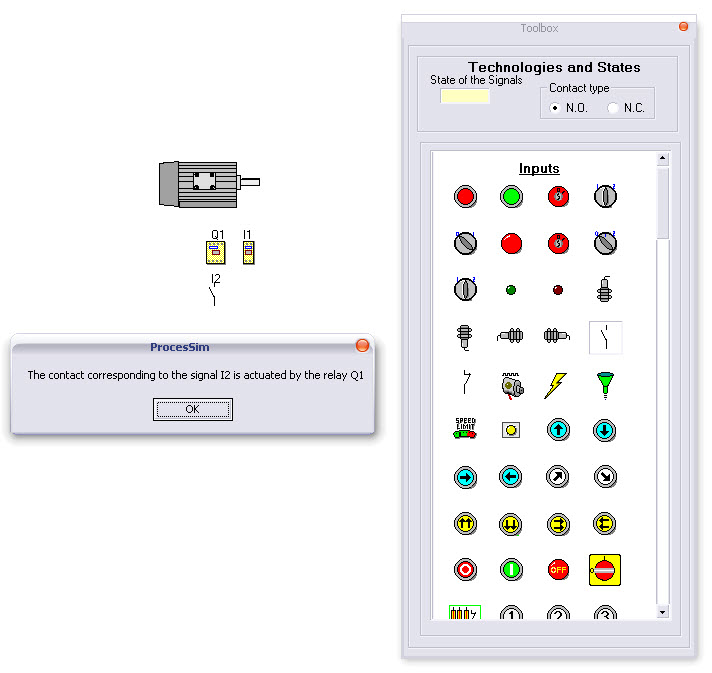
If several contacts are required, if necessary move the contacts already in place to avoid visual interference of contacts on the screen.
The auxiliary contacts can be also switched on by a thermal relay.
As for the other objects, a right click on a detector displays a contextual menu allowing :
editing this object (No – Nc ) ;
editing the mnemonic and its description) ;
its deletion.