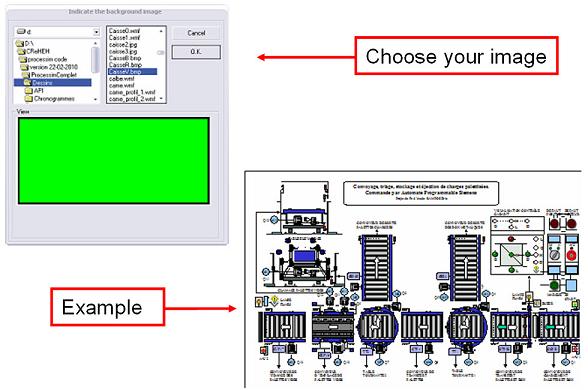
The menu ‘Edition – Build in the background - Background Image’, leads to the following screen page :
After validation, grab the image with the mouse (Shift button pressed), dimension it and position it at the desired location (the pointer of the mouse informs you of the dimensions and of the displacement).
These dimensioning and positioning operations are always possible in the Stop mode.
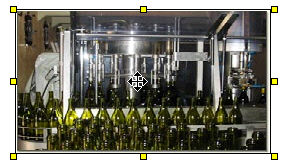
To set in place the image on the background, click on the work area, and the image is set in place on the background.
See the contextual menu :

The software allows to put in place as many images as the user wants without reducing the memory resources of the PC.
The recognized files are :
the files .BMP, .ICO, .GIF, .JPG, .WMF and .EMF ;
the vectorial drawings of the type .WMF and .EMF allow to set the correct scale.
Important remark :
The saving procedure does not save background images and drawings as image files Only the selected file references, positions and dimensions are saved.
You MUST provide the various files of the images constituting your project.
It is recommended that you copy your images in the Drawing repertory of ProcesSim.
The menu ‘’Edition - Build the background - Deletion of the background image’’ enables you to erase the totality of the built background.