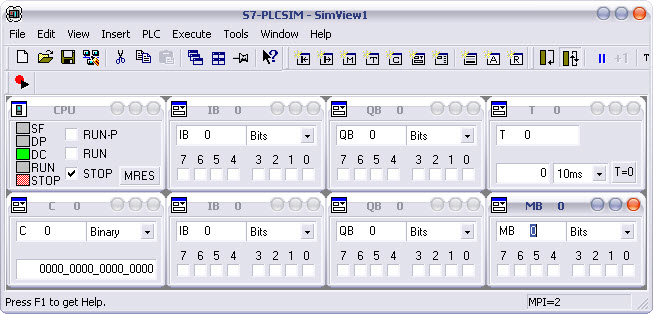
1. Choose the icon PLCSIM
As soon as you have built your operative part in ProcesSim.
1. Choose the icon PLCSIM
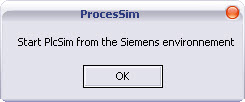
Then start PLCSIM from the Siemens environment.
Click on "OK" once the operation is completed.


 2.
Make the connection
2.
Make the connection
 3.
Is the program located in ProcesSim or is located in
the automaton ?
3.
Is the program located in ProcesSim or is located in
the automaton ?
In the environment of step 7, create your own project. No program of communication is required for the dialogue between ProcesSim and the virtual automaton Siemens.
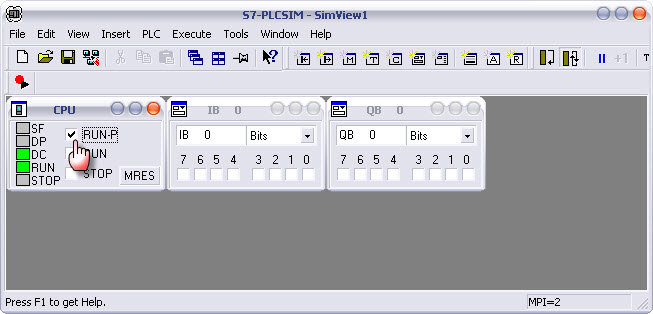
As soon as your program is completed, load it into the automaton and switch the automaton to RUN mode-P or RUN mode.
Return to the ProcesSim environment.
Choose your operating mode and make the liaison with the simulator.
Warning : Do not introduce the hardware configuration into PlcSim if you use Profibus !
For any further information regarding the use of PLCSIM, please refer to the documentation provided by Siemens.