1.
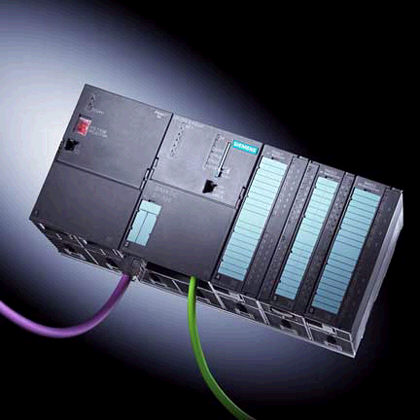
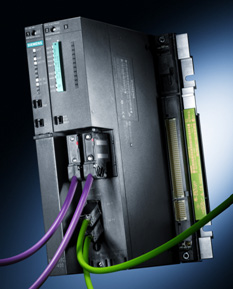
Choose the S7/300
1.
Choose the S7/300As soon as you have built the operative part in ProcesSim.
1.
Choose the S7/300


 2.
Make the connection
2.
Make the connection
 3.
Is the program located in ProcesSim or in the automaton ?
3.
Is the program located in ProcesSim or in the automaton ?
 4.
Is the driving of the operating part simulated or real ?
4.
Is the driving of the operating part simulated or real ?
If you choose to drive the real operative part, ProcesSim can serve as supervisor.
When the environment Step7, open the project provided to you with the installation CD, and named "S7-300 connection".
Note : An explanatory note is provided by the CD-Rom.
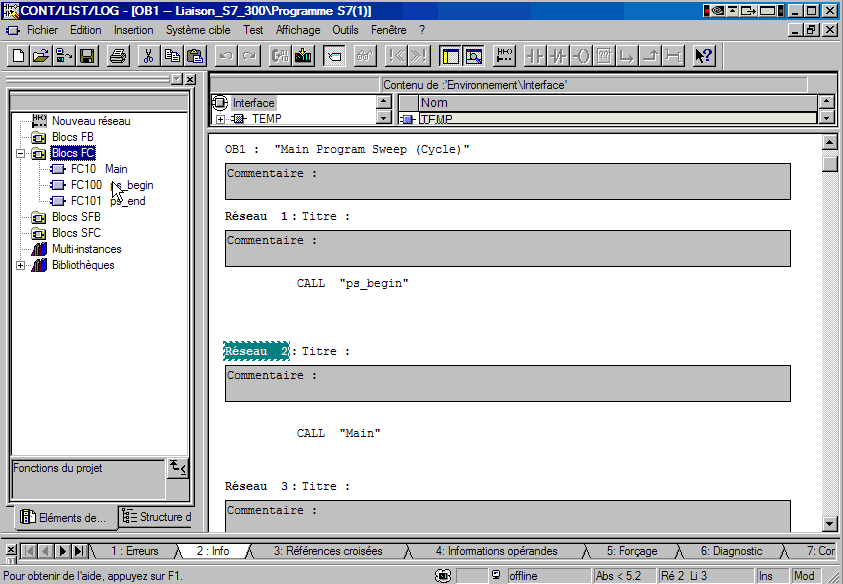
Two sub-routines "ps begin " and "ps end " are used for the communication between Step 7 and ProcesSim.
Never modify them in any case !
So that tje PLC can communicate with ProcesSim, you have to upload into your program (resuming FC, FB, DB, OB, ...) :
The functions * :
The DBs * :
In our example, realise your program into the Sub-routine Main (FC10).
Then return in ProcesSim, choose your operating mode, connect with the PLC and switch to RUN mode.
For any further information regarding the use of the MicroWin software or of an automaton of series S7-3XX and S7-4xx, please refer to the documentation provided by Siemens.
* Available on the Installation CD