
This functionnality
is available into the toolbox
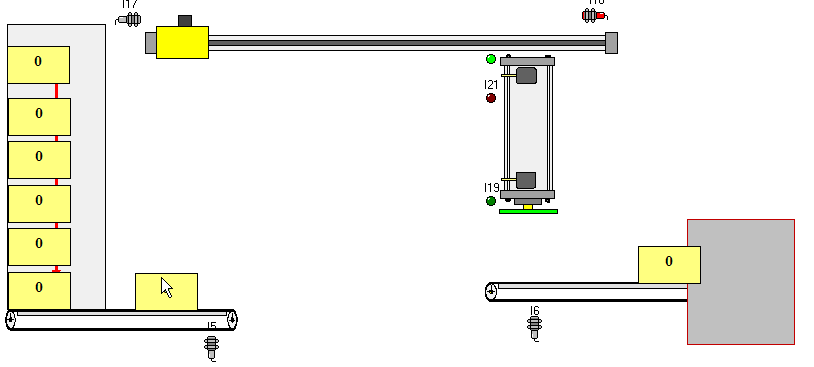
On the example shown :
The right zone (dark grey) receives the objects via the conveying belt when the automaton is in RUN mode, then these objects will be automatically transferred to the top left zone (clear gray).
By gravity, the objects will go down in the left zone.
"Unstacking" the objects of the stacking zone can be realized manually or via the virtual tools.
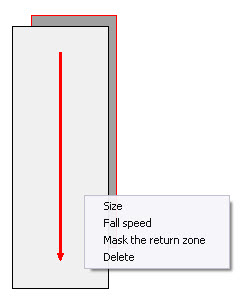
As for other objects, a right click on the staking zone opens a contextual menu allowing :
to resize the fallen zone and the return zone ;
le réglage de la vitesse de chute ;
to mask the return zone (clear grey) ;
to delete.
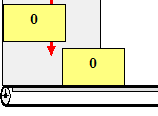
An object is "unstacked" when it is completely out of the clear grey zone.
Remarks :
Any object to be transferred via the "Return" zone, it must be completely contained in the zone.
The following objects are not considered as present in the gravity field and zone of return :
Objects that are seized by the user (with the mouse) ;
Objects that are pasted on a gripping plate.
